
1. Modern & Premium UI Design
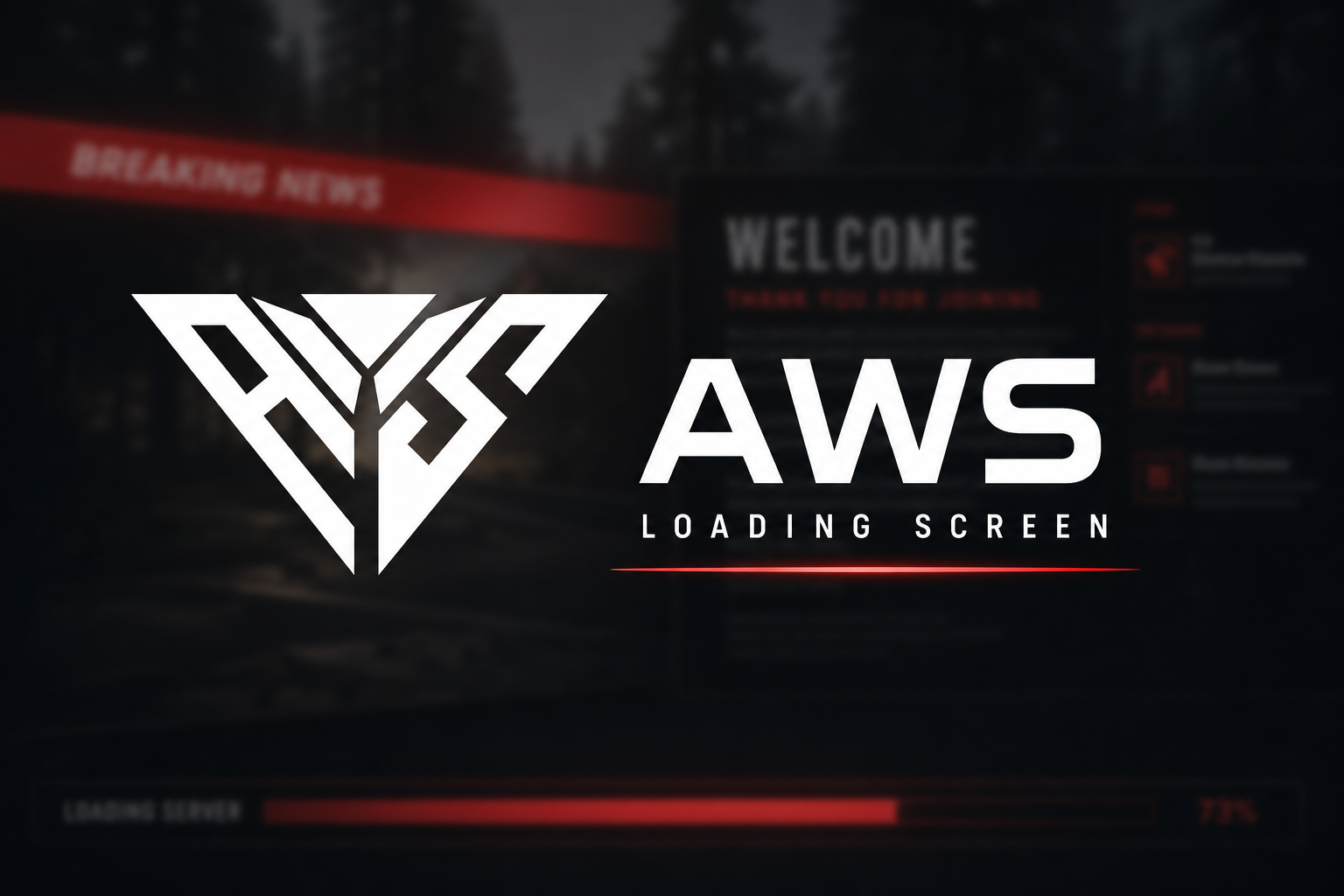
- Broadcast-Style Interface: A sleek, news-channel-inspired layout with slanted panels, gradient accents, and dark glass-style panels for a high-end first impression.
- Fluid Animations: Smooth transitions and subtle micro-animations that make the loading screen feel alive and polished.
-
Responsive Layout: Em-based and
clamp()scaling ensures a consistent look across all resolutions.
2. Custom Background Video & Branding
-
Full-Screen Video Background: Drop your own
.mp4or.webmintoui/assets/and set the filename inconfig.lua. - Volume Control: Background video volume is fully adjustable from 0.0 (muted) to 1.0 (full volume).
- Custom Logo: PNG or SVG logo support — display your server branding right on the loading screen.
- Smooth Fade-Out: The screen fades out cleanly when the player finishes loading.
3. Real-Time Loading Progress
- Native FiveM Integration: Live loading progress and stage info pulled directly from the game engine.
- Stage Labels: Displays real-time stages such as "Initializing core", "3d preprocessing", "3d models", and "Session".
- Styled Progress Bar: A slanted, gradient-filled progress bar keeps players informed at every step.
4. Dynamic News Ticker & Info Panel
-
Breaking Headline: Fully customizable headline via
Config.Headline. -
Scrolling Ticker: Rotate server announcements, Discord invites, rules, and more through
Config.TickerItems. - Live Temperature Widget: Auto temperature based on in-game weather, or set a manual value — toggle between °F and °C.
- Weather-Aware: Automatically adjusts temperature for EXTRASUNNY, RAIN, SNOW, BLIZZARD, and all other GTA weather types.
5. Multi-Framework Compatibility
-
Auto-Detect: ESX, QB-Core, and QBox are detected automatically with
Config.Framework = "auto". -
Manual Override: Force a specific framework if needed (
esx,qb,qbox,none). -
Smart Shutdown: Closes automatically on
esx:playerLoadedandQBCore:Client:OnPlayerLoadedevents. - Fallback Timeout: Configurable safety timeout if no framework event fires.
6. Seasonal Themes
- Default Theme: Red gradient with dark panels — perfect for everyday use.
- Halloween Theme: Orange tones and seasonal accents.
-
Christmas Theme: Festive red styling — switch instantly with
Config.Theme.
7. Multi-Language Support
- 4 Built-in Locales: English, Brazilian Portuguese, Spanish, and Swedish included out of the box.
-
JSON-Based Translations: Edit
locales/*.jsonto change any text without touching the core code. -
Easy Locale Switch: Set
Config.Locale = "en"in one line.
Recent Activity
JOIN OUR DISCORD
Need help with this package? Join 5,000+ developers for 24/7 expert support and community updates.
VIEW DOCUMENTATION
Detailed installation guides, configuration examples, and technical requirements for this resource.